

Professional support for Teams Town Hall events
Expert technical support, live streaming & AV event management across the UK
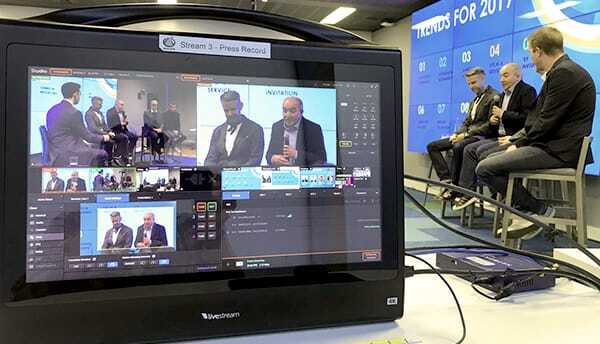
Microsoft Town Hall
Great Teams Town Halls don’t happen by accident, they’re carefully planned, rehearsed and produced.
Using creative event production, professional audio, dynamic lighting and multi-camera vision mixing, we deliver high-quality Town Hall broadcasts that maximise viewer engagement.
We’re also huge fans of rehearsals, helping presenters, hosts and panellists feel comfortable and confident on the day.
Whether you’re speaking to colleagues, customers or global audiences, we’ll help you deliver a Town Hall that feels professional, engaging and genuinely worth watching.

Internal Communications
Microsoft Teams Town Hall offers powerful audience engagement features, but successful delivery requires careful planning and technical expertise.
WaveFX manages every aspect of the event, including speaker on-boarding, rehearsal sessions, content playback, audience moderation and live technical support.
We help avoid common issues such as presenter connectivity problems, audio challenges and last-minute content changes.
With experienced producers monitoring the event throughout, your team can relax knowing there is professional support available from start to finish.
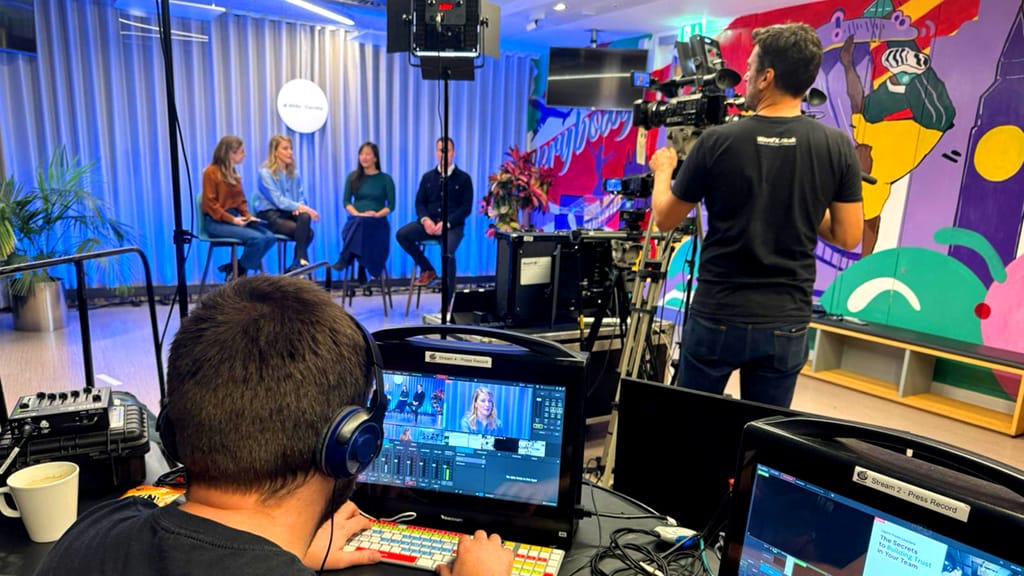
Enterprise Scale Events
From internal communications to shareholder updates, Microsoft Teams Town Hall is built for modern enterprise events. With support for large audiences, moderated Q&A, attendee reporting, live reactions and on-demand viewing.
We integrate broadcast-quality cameras, remote presenters, branded graphics and hybrid event workflows to create an experience that feels more like a live TV show than a video meeting.
Whether your audience is 100 employees or 10,000 attendees across multiple countries, we create a seamless viewing experience that’s easy to watch and hard to switch off.
Our goal is always “less stress, more applause”
Your next event starts with a quick chat
Talk us through your event plans or idea and we’ll help shape the right production for your audience, objectives and budget.
Our goal is always less stress and more applause.
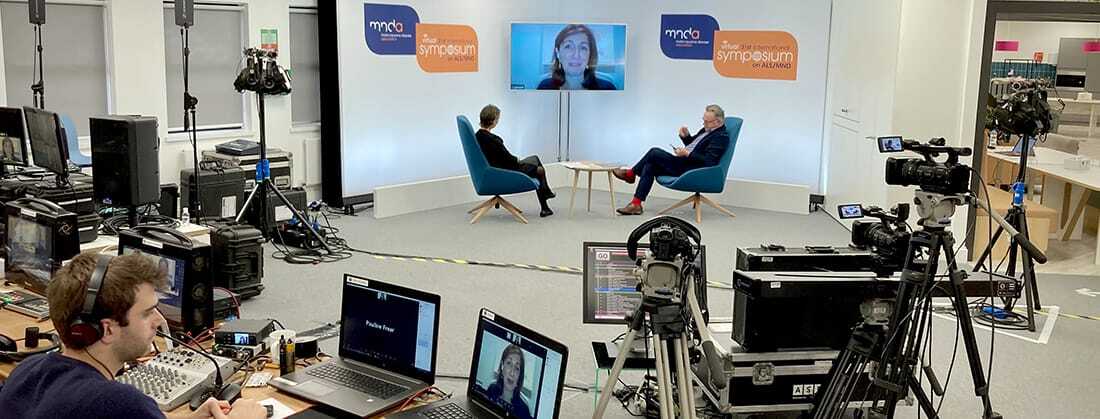
Our most asked Teams Town Hall questions
The new Microsoft Teams Town Hall is Microsoft’s replacement for Teams Live Events, designed for company-wide broadcasts, webinars, executive updates, product launches and large virtual events. Microsoft is now positioning Town Hall as its primary large-scale event platform, with Teams Live Events retiring on 30 June 2026.
What’s new in Teams Town Hall?
1. Full Live Event replacement
Town Hall now has feature parity with most Live Event functionality, including:
- Green Room for presenter rehearsals
- RTMP-In for external production feeds
- Q&A moderation
- Attendee reporting
- On-demand recordings
- NDI support for broadcast workflows
- Separate presenter and attendee experiences
This means organisations can now move away from Live Events without losing key functionality.
2. Much bigger events
Town Hall can support:
- Up to 10,000 attendees as standard
- Up to 100,000 attendees with capacity packs and Microsoft event services
- Events lasting up to 30 hours
This makes it suitable for global all-hands meetings and major public broadcasts.
3. “Manage What Attendees See”
One of the biggest additions for professional event production is the ability to control exactly what attendees see.
Organisers can:
- Choose layouts
- Control presenter visibility
- Add branded backgrounds
- Manage name labels
- Create a more television-style viewing experience
This is particularly valuable for agencies like WaveFX producing executive broadcasts.
4. Presenter Analytics
Teams Premium users can now view detailed presenter analytics, including:
- Video quality
- Audio quality
- Connection stability
- Delivery performance
This helps troubleshoot and improve event quality.
5. New Unified Teams Events Experience
From April 2026 Microsoft has combined Webinars and Town Halls into a unified event management experience within Teams, making scheduling and managing large events much simpler.
| Feature | Teams Meeting | Teams Town Hall |
|---|---|---|
| Audience size | Up to hundreds | Up to 100,000 |
| Attendee microphones | Enabled | Disabled |
| Attendee cameras | Enabled | Disabled |
| Broadcast quality | Meeting-style | TV-style |
| Green Room | No | Yes |
| RTMP input | No | Yes |
| Event reporting | Basic | Advanced |
| Q&A moderation | Limited | Full |
Why this matters for WaveFX clients
For organisations running investor relations events, employee town halls, conferences or product launches, Teams Town Hall finally gives Microsoft customers a professional broadcast platform without needing a separate webinar system. Combined with RTMP input, NDI and attendee-view controls, it now works extremely well with professional production companies delivering broadcast-quality events into Teams.
A good summary would be:
Microsoft Teams Town Hall is Microsoft’s next-generation virtual event platform, replacing Teams Live Events with support for up to 100,000 attendees, advanced broadcast controls, presenter analytics, RTMP integration and a fully managed attendee experience.
As of 2026, Microsoft Teams Town Hall can support different attendee limits depending on your licensing and event configuration. For most corporate communications events, Microsoft promotes:
- 3,000 attendees with interactive features such as reactions, chat, raise hand and polls.
- 10,000 attendees in broadcast/view-only mode.
- 100,000 attendees when the organiser has the appropriate Attendee Capacity Pack assigned.
Microsoft Teams Town Hall is designed for large scale broadcasts rather than collaborative meetings. Unlike a standard Teams Meeting, attendees join primarily as viewers, creating a more controlled and professional experience for company updates, shareholder communications, all-hands meetings and corporate announcements.
Town Hall includes features such as moderated Q&A, live reactions, attendee analytics, on-demand viewing and support for large audiences. With Teams Premium, organisations can host significantly larger events and benefit from additional production features.
At WaveFX, we help organisations transform Town Halls from simple online meetings into engaging broadcast-style experiences using professional cameras, audio, lighting and event production expertise. Whether you’re communicating with 100 employees or a global audience, we ensure your Town Hall feels like an event rather than another video call.
In terms of numbers and packages for a typical:
- Company Town Hall
- All-hands meeting
- Investor update
- Internal communications event
The standard Town Hall service is usually sufficient up to 10,000 viewers.
For larger enterprise broadcasts (global staff updates, major product launches, shareholder meetings, etc.), Microsoft now offers attendee packs that scale Town Hall up to 100,000 concurrent viewers while retaining Q&A functionality.
In summary:
Microsoft Teams Town Hall support is up to 10,000 attendees as standard and up to 100,000 attendees with Microsoft Attendee Capacity Packs, making it suitable for everything from internal company updates to global enterprise broadcasts.
Microsoft Teams Town Hall is a fantastic platform for reaching large audiences, but running a successful event takes more than simply pressing “Go Live”.
A production company like WaveFX helps make sure your Town Hall looks great, sounds clear and keeps people engaged from start to finish. From presenter rehearsals and technical checks to live switching, graphics, video playback and audience Q&A, an experienced team takes care of all the moving parts behind the scenes.
That means your presenters can focus on delivering their message rather than worrying about technology, timings or what happens if something goes wrong.
- Expert technical management reduces the risk of issues during your live Microsoft Teams Town Hall.
- Professional graphics, video playback and content switching create a more engaging viewer experience.
- Presenter coaching, rehearsals and remote speaker support help everyone perform at their best.
- Audience Q&A, polls and interactive features are managed smoothly and efficiently.
- Backup systems and contingency planning provide peace of mind for critical company communications.
- Your team can focus on the message while the production company handles everything behind the scenes.
Professional production teams can also add branded graphics, countdown timers, speaker name captions, videos and audience interaction tools that create a more engaging viewing experience. These small touches make a big difference when you’re communicating with employees, customers or stakeholders.
Perhaps most importantly, using a production company reduces risk. Backup systems, remote presenter support and pre-recorded content can all help avoid technical hiccups and ensure the event runs smoothly.
Whether you’re hosting an employee update, leadership broadcast or company-wide announcement, a production company helps you get the most out of Microsoft Teams Town Hall while giving your audience an experience that’s enjoyable, reliable and easy to watch.
In summary, a production company helps you maximise engagement, reduce risk and deliver a Microsoft Teams Town Hall that reflects the quality and professionalism of your organisation.
If your organisation is still using standard Teams Meetings or older webinar platforms for company wide communications, it might be time for an upgrade. Microsoft Teams Town Hall has quickly become the go to platform for large-scale internal communications, leadership updates, shareholder meetings and corporate broadcasts.
The biggest change? It’s designed for viewers, not participants. That means a much cleaner, more professional experience for your audience, helping people stay focused on the message rather than getting distracted by meeting controls, microphones and chat notifications.
Some of the key viewer benefits include:
- Moderated Q&A to keep discussions relevant and on-topic
- Live reactions that encourage audience participation
- On-demand playback for anyone who can’t attend live
- DVR controls allowing viewers to pause, rewind and catch up
- Live captions and translated captions for global audiences
There are plenty of benefits behind the scenes too. Microsoft has added several technical enhancements that make Town Hall a powerful platform for enterprise events:
- Support for audiences of thousands of attendees
- Detailed attendee and engagement reporting
- Easy integration with Microsoft 365
- Seamless support for remote presenters
- Improved event management and production controls
Of course, technology is only part of the story. The most successful Town Halls combine great content with great production. That’s where WaveFX comes in. By adding professional cameras, broadcast quality audio, creative lighting, presentation support and experienced producers, we help turn a Town Hall into something people genuinely want to watch.
The result is simple: better engagement, clearer communication and a more professional experience for everyone involved.
If you’re planning a company update, leadership broadcast or global employee event, Microsoft Teams Town Hall is one of the smartest ways to reach your audience in 2026.
Microsoft Teams Town Hall is Microsoft’s enterprise event platform designed for company broadcasts, leadership updates, shareholder communications and large-scale virtual events. Replacing Teams Live Events, it offers greater flexibility, audience engagement features and improved event management tools.
Step 1: Create Your Town Hall
Within Microsoft Teams, open the Calendar and select New Event > Town Hall. You’ll then be prompted to configure the event details, including the title, date, time and event description.
Next, assign your event team. Microsoft Teams Town Hall supports:
- Organisers
- Co-organisers
- Presenters
- Producers
For larger events, it’s good practice to have dedicated producers managing content, presentations and audience interaction.
Step 2: Configure Event Access
You can choose whether the Town Hall is:
- Internal only
- Open to specific organisations
- Publicly accessible
You should also review attendee permissions and determine whether registration is required. For external audiences, registration pages can help capture attendee information before the event.
Step 3: Configure Q&A and Audience Features
One of the biggest advantages of Microsoft Teams Town Hall is audience engagement. Event organisers can enable:
- Moderated Q&A
- Live reactions
- Attendee reporting
- On-demand viewing
- DVR controls
Moderated Q&A is particularly useful for leadership broadcasts and employee communications as it allows organisers to review questions before they appear publicly.
Step 4: Add Presenters and Content
Presenters can join from multiple locations using standard Teams clients. Before the event, upload presentation materials, videos and branded holding slides.
If you’re using professional production equipment, Teams Town Hall can accept feeds from external cameras and vision mixers using NDI, virtual webcam outputs or hardware encoding solutions. This allows organisations to integrate:
- Broadcast cameras
- Professional microphones
- Graphics systems
- Multi-camera switching
- Remote contributors
Step 5: Rehearse Before Going Live
Microsoft Teams Town Hall includes a pre-live green room environment where presenters and producers can test audio, video and content before attendees enter the event.
Technical rehearsals should include:
- Audio level checks
- Presentation playback testing
- Internet connectivity verification
- Q&A moderation workflows
- Presenter briefing
Step 6: Monitor During the Event
Once live, producers can monitor attendee numbers, manage questions, control presentations and oversee presenter transitions. Following the event, Teams provides detailed analytics and attendee reporting to help measure engagement.
While Microsoft Teams Town Hall is straightforward to configure, combining the platform with professional cameras, audio systems, vision mixing and experienced producers can significantly improve the viewer experience and help transform a standard corporate update into a broadcast quality event.
If you need help to set up a Microsoft Teams Town Hall, please do get in touch hello@wavefx.co.uk or call Jamie at 01223 505600
Less Chaos, More Applause
If you’d like your next Microsoft Teams live event to feel more like a professional broadcast than just another video call, we’ve got you covered.
We specialise in high-quality Microsoft Teams live streaming, helping businesses deliver engaging, reliable, and polished virtual events. From multi-camera setups and professional lighting to crystal-clear audio and seamless streaming integration, we take care of everything behind the scenes.
We know how important it is for your event to run smoothly. That’s why we focus on delivering secure, stable, and stress-free webcasts allowing you to concentrate on your content, speakers, and audience.
Whether you’re hosting a company wide announcement, webinar, or hybrid event, we bring the experience and technology to make it a success.
By working with us, you get a trusted partner who understands events production and live streaming inside out, making sure your Microsoft Teams live event looks and feels exactly how it should: professional, engaging, and hassle-free.
We are a trusted Microsoft Teams Live company streaming virtual & hybrid events.
Need help planning your next event, please do get in touch
Need help planning your next event, please do get in touch






Recent live streaming projects
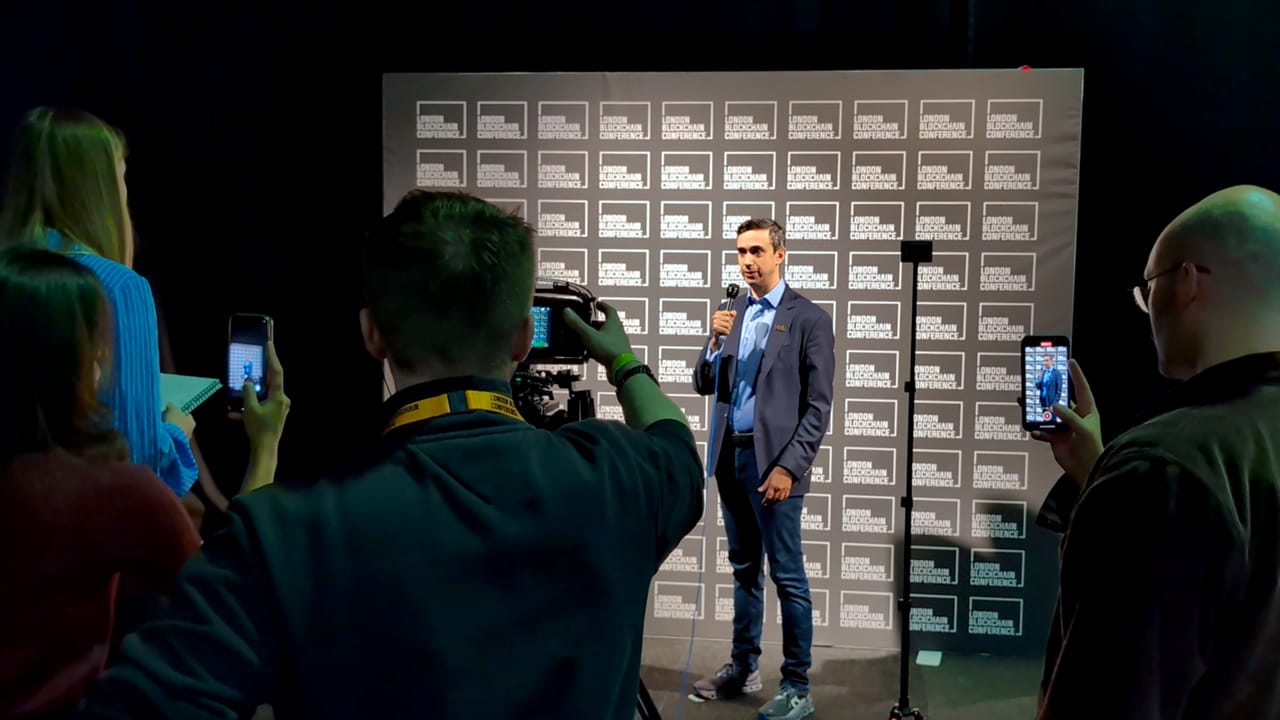

Kari Bryon STEM Webinars
Empowering the Next Generation: STEM Webinar Production [...]

Happy clients we’re proud to be working with