

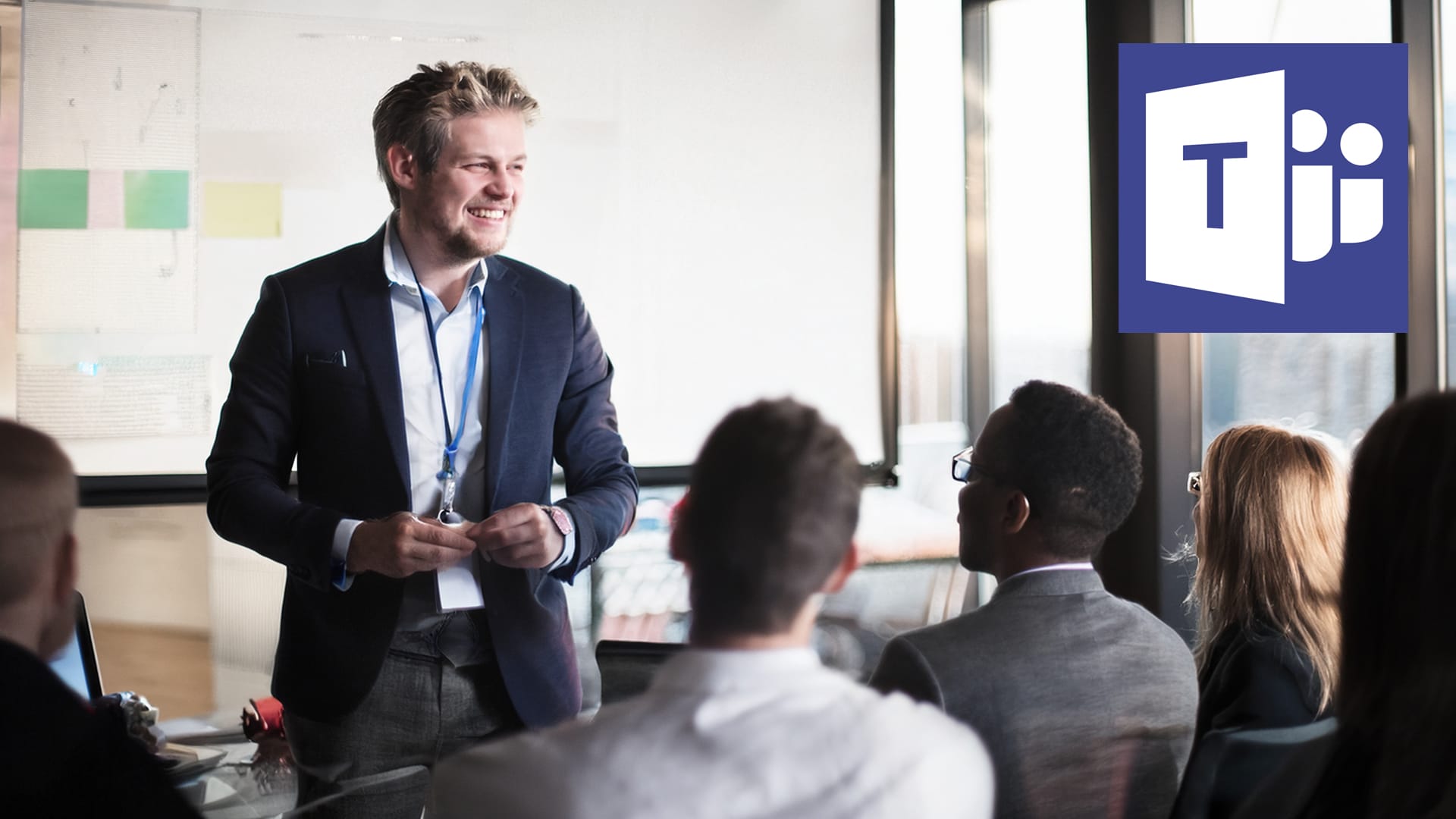
There was a time when “going live” meant satellite trucks, broadcast studios and enough blinking lights to convince everyone something very important was happening.
Now? Somebody books a Microsoft Teams Live Event and suddenly the marketing manager is also the producer, director, vision mixer and unofficial IT support.
The good news is a Microsoft Teams Live Event is an amazing platform when used properly. It’s stable, scalable, secure and perfect for everything from company town halls to global webinars and hybrid events.
The bad news? Teams is also excellent at exposing all those little details everyone assumed somebody else had sorted out (in glorious HD)
At WaveFX, we’ve seen both ends of the spectrum. We’ve produced broadcasts that felt more like a TV production than a Teams event, and we’ve also witnessed presenters realising they’re live a few seconds too late (asking if anyone fancies a Nando’s afterwards)
So if you’re planning a Teams Live Event, here’s how to make it feel professional, without losing your sanity and breaking the bank.
Start with the experience, not the technology
One of the biggest mistakes people make is opening Teams before they’ve actually worked out what kind of event they’re trying to create.
A quick internal update with two speakers is completely different from a large-scale hybrid conference with remote guests, branded graphics and live Q&A.
Before you touch a single cable, ask yourself:
- Is this internal or public?
- Are people watching or participating?
- Will there be remote presenters?
- Do you need audience interaction?
- Is this supposed to feel casual… or broadcast-level polished?
Because once you know the experience you want, the technical setup becomes much easier to define.
Your audience notices production quality immediately
Even if they pretend they don’t.
You can always tell when somebody thought:
“The laptop webcam will probably be fine.”
Technically? Yes.
Emotionally? It gives “emergency Zoom meeting from a storage cupboard.”
Good lighting, decent cameras and clean audio instantly make your event feel more trustworthy and engaging. It doesn’t need to look like the BBC, but it should look intentional.
And honestly, audio matters even more than video.
People will tolerate slightly imperfect visuals. They will not tolerate crackly microphones, echoing boardrooms or somebody sounding like they’re presenting from inside a washing machine.
If there’s one area worth investing in, it’s sound.
Rehearsals save lives
Well. Careers, at least.
Everybody thinks they don’t need a rehearsal until the CEO can’t share slides, a remote guest joins with AirPods from a train station, or somebody discovers five minutes before going live that the event permissions are wrong.
A proper run-through catches all the boring problems before they become exciting problems.
And exciting problems are exactly what you don’t want during a live corporate broadcast.
Teams works best when paired with proper production tools
This is where events go from “large meeting” to “professional webcast”.
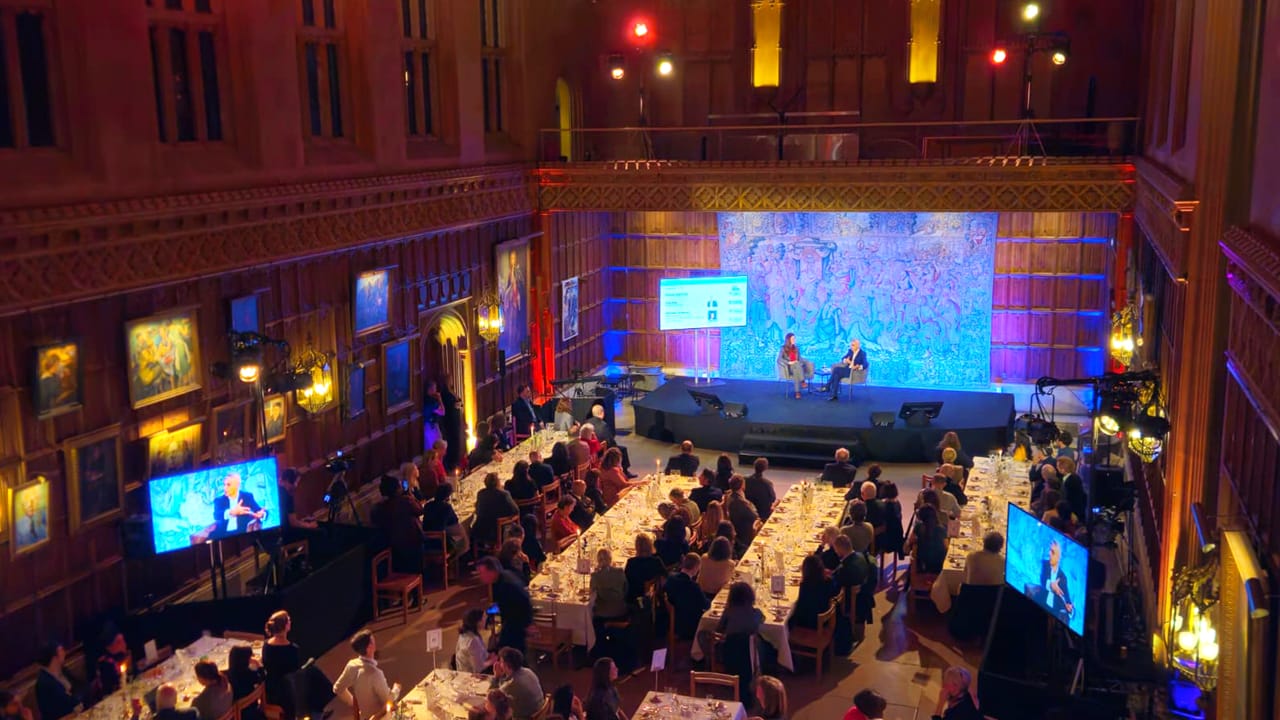
For higher-end productions, platforms like vMix are often integrated into Microsoft Teams workflows. That allows production teams to add proper transitions, graphics, multiple camera feeds, branded visuals and pre-recorded content.
The difference is huge.
Instead of looking like a standard Teams call, the event feels like a polished live programme that just happens to be delivered through Microsoft’s ecosystem.
Which, for internal communications and corporate events, is usually exactly the sweet spot clients want.
Always assume something weird will happen
Because it will.
That’s not negativity. That’s live event production.
Internet connections wobble. Slides disappear. Presenters panic. Somebody always asks a technical question thirty seconds before going live.
Professional production isn’t about pretending problems never happen.
It’s about building systems so the audience never notices them.
That’s why experienced webcast teams obsess over backup internet, duplicate recordings, spare laptops and alternative audio routes. It sounds excessive right up until the moment something fails.
Then suddenly everybody becomes very grateful for the boring backup plan.
Final thoughts
Microsoft Teams Live Events are one of the best platforms available for business broadcasting right now — especially for organisations already living inside the Microsoft ecosystem.
But the platform itself is only half the equation.
The real magic comes from:
- preparation
- clear communication
- strong production workflows
- calm technical management
- and understanding how audiences actually experience live content
Because when a Teams Live Event is done properly, viewers stop thinking about the technology entirely. And that’s usually the sign the production team got everything right.
Whether you’re planning a webinar, hybrid event, company webcast or live stream, the right production partner can make all the difference. At WaveFX, we help organisations create engaging online events that look great, run smoothly and keep audiences watching. If you’d like to chat through an upcoming project, we’d love to help.
Give us a call on 01223 505600 or email jamie@wavefx.co.uk for a friendly, no-obligation conversation about your event.




Leave A Comment