Is your venue ready to go live? Try our Postcode Internet Checker.
Reliable internet is essential for a successful webcast. Our free postcode checker gives you an early view of local fixed broadband and mobile backup availability, helping you plan with confidence before choosing a venue.
Enter a UK postcode to see local broadband capability, mobile backup options and the upload speed your webcast may require. It is a practical first step for event organisers planning a conference, live stream, company town hall, webinar or hybrid event.
We created this tool because venue connectivity is often overlooked until it becomes a problem. Every location is different, and postcode information is only the starting point. Before your event, WaveFX will always conduct an on-site internet test and create the right connection and backup plan for your production.

A Great Place To Start
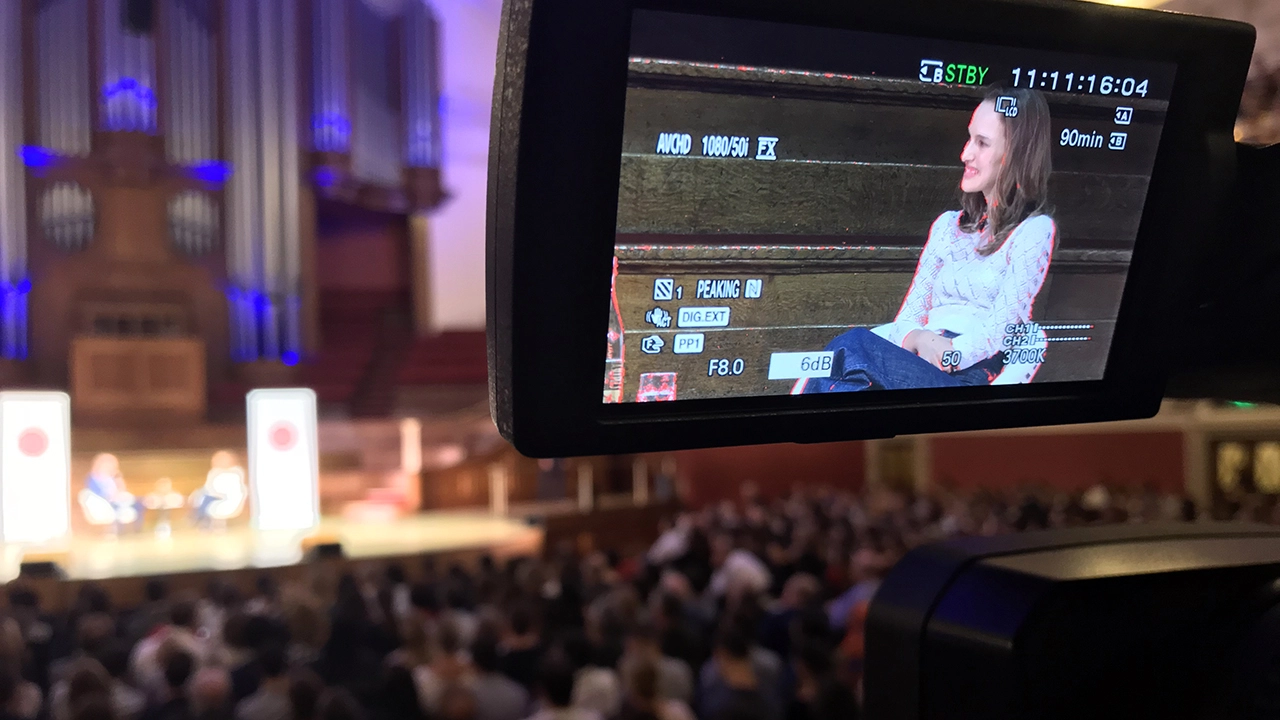
Planning a webcast, webinar or hybrid event? Our Postcode Internet Checker is a great first step. Pop in your venue postcode and you’ll get an early view of the local fixed broadband and mobile network availability.
It is quick, useful and can help spot potential issues before you have booked a venue, built a schedule or invited hundreds of guests. No one wants to discover that the venue connection is struggling when the cameras are already rolling.
The Postcode Internet Checker helps you start the right conversation about:
- Local broadband availability and likely upload capacity
- Mobile networks that could provide a backup connection
- The upload speed your planned stream may need
- Whether the venue needs extra connectivity planning
That said, postcode data is only a guide. Internet speeds can vary between rooms, floors and even different sockets in the same building. Wi-Fi can be busy, venue networks may be shared, and a connection that looks fine on paper is not always suitable for a live broadcast.
That is why we always recommend a backup. Depending on the event, this could be bonded mobile internet, a dedicated line, or a separate hard-wired connection. It gives your event a safety net if the main connection slows down or fails.
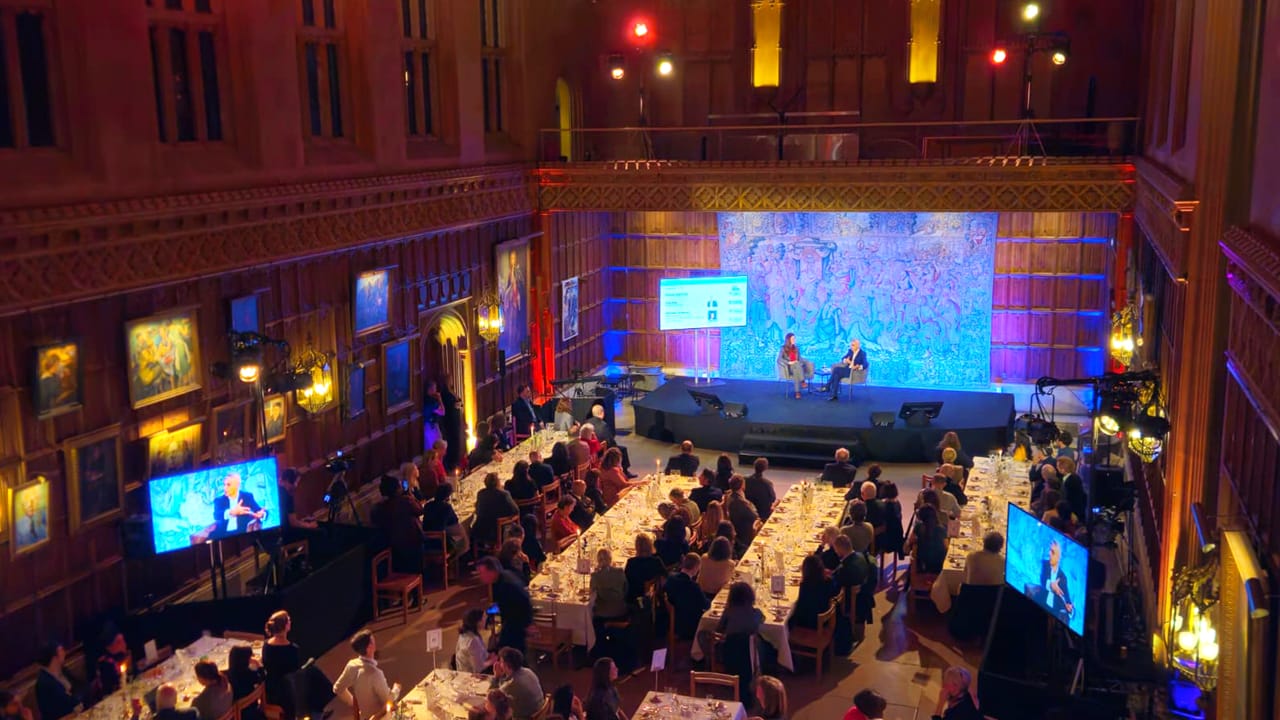
WaveFX can test the venue connection before event day, recommend the right primary and backup setup, and manage the full live-streaming technical plan. Less guesswork, less stress, and a much safer route to going live.
Mobile and satellite backup options
The Postcode Internet Checker gives an early view of UK 4G and 5G availability, which can be useful when planning a backup for a webcast. In many locations, 5G can provide strong upload speeds, while 4G remains a dependable option where 5G is limited.
For higher-stakes events, WaveFX can combine more than one mobile network using bonded connectivity, reducing the risk of relying on a single signal. Professional tools from Teradek can bond multiple mobile connections for a more resilient live stream. Starlink can also be an option at suitable locations where conventional broadband is weak, provided there is a clear view of the sky.
Our 3 most asked Questions?
The honest answer is: webcast production costs vary depending on the size, complexity, and ambition of your event. A simple single-camera webcast with basic streaming is very different from a multi-camera, fully branded hybrid event with audience interaction, graphics, and on-site AV support. At WaveFX, we build everything around your goals so you only pay for what you actually need, not a one-size-fits-all package.
Typical costs usually break down into three key areas: event production, AV, and webcasting. Here’s what influences the budget:
- Event production – planning, technical direction, show-calling, and creative support
- AV (audio visual) – cameras, lighting, sound, staging, and on-site crew
- Webcasting – streaming platform setup, encoding, live streaming, and viewer support
- Add-ons – staging, lighting, graphics, branding, interactivity (Q&A, polls), and recording/editing
Smaller internal webcasts can start from a lower entry point, while large-scale corporate or hybrid events naturally require more crew, kit, and planning.
The key thing? Transparency. We’ll always scope your event properly and give you a clear, detailed quote so there are no surprises. The goal is simple: maximum production value, matched to your budget, with zero wasted spend.
Choosing the right streaming platform for your event isn’t just a technical decision—it’s about making sure your audience can easily join, engage, and enjoy the experience. The best platform depends on who you’re targeting and what kind of event you’re running. For most business events, familiar tools like Zoom, Microsoft Teams, and LinkedIn are go-to options because they’re trusted and widely used. Social media platforms like YouTube, Facebook, and Instagram can also be powerful for reaching larger or more public audiences.
Here’s a quick breakdown of the benefits of each:
- Zoom
- Easy for external audiences to join
- Strong webinar features (registration, breakout rooms, Q&A)
- Reliable for large-scale virtual events
- Microsoft Teams
- Perfect for internal communications and corporate events
- Seamless integration with Microsoft 365
- High security and familiar interface for employees
- LinkedIn
- Ideal for B2B events and professional audiences
- Great for brand visibility and thought leadership
- Built-in audience reach without extra sign-ups
- YouTube / Facebook / Instagram
- Massive reach for public or marketing-led live streams
- Easy access on any device
- Great for boosting engagement and post-event visibility
The key is choosing a platform that removes friction, no tricky logins, no compatibility issues, just a smooth viewing experience. We help you pick the right mix, optimise performance, and deliver a professional webcast that works perfectly for your audience, wherever they are.
It’s the classic question and the honest answer is: it depends on what you’re trying to achieve. Both Microsoft Teams and Zoom are excellent options for live streaming and virtual events, but they shine in different ways.
Here’s a quick way to think about it:
- Microsoft Teams – ideal for internal events, company meetings, and secure corporate broadcasts
- Zoom – great for external webinars, larger audiences, and easy guest access
- Audience experience – Zoom is often simpler for attendees; Teams works brilliantly if they’re already in your organisation
- Features – both support chat, Q&A, screen sharing, and recording
The real magic, though, isn’t just the platform it’s how it’s produced. With the right setup both Teams and Zoom can deliver an engaging professional webcast. We can help you choose the best fit, optimise performance and ensure your event runs smoothly without any technical stress.
Happy Clients