

London Teams Town Hall Production
We’ll turn your London office into a studio and bring your speakers, presentations and live Q&A together, professionally on Microsoft Teams.
Your Broadcast Crew
When your CEO arrives, the mic is ready, the first slide is cued and there’s a producer to talk them through the opening before anyone’s watching. That’s the sort of detail we’ve cared about since 1999.
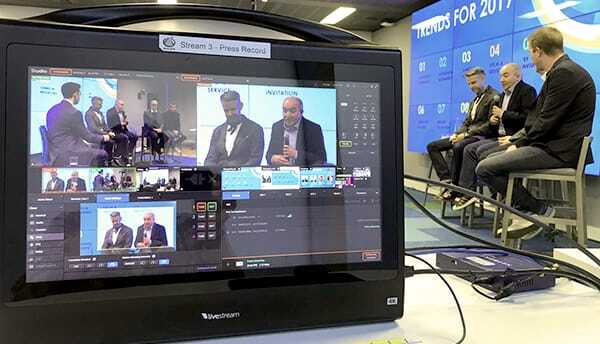
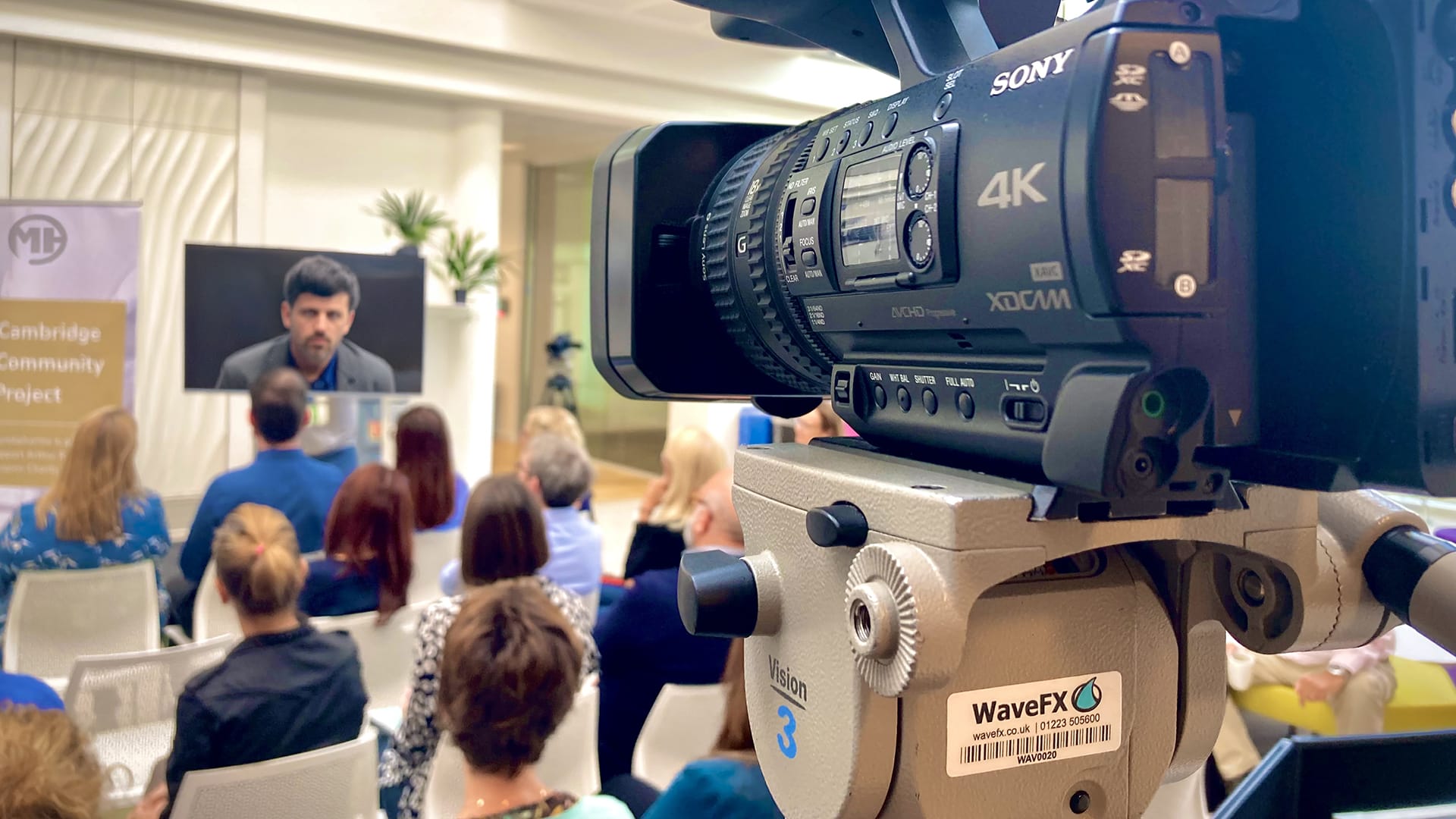
For your London Teams Town Hall, we bring the camera crew, sound engineer and producer together around one running order.
We work with your comms and IT teams ahead of the day, then call the show live. If the timings change, the crew knows what to do and your host knows what’s coming next.
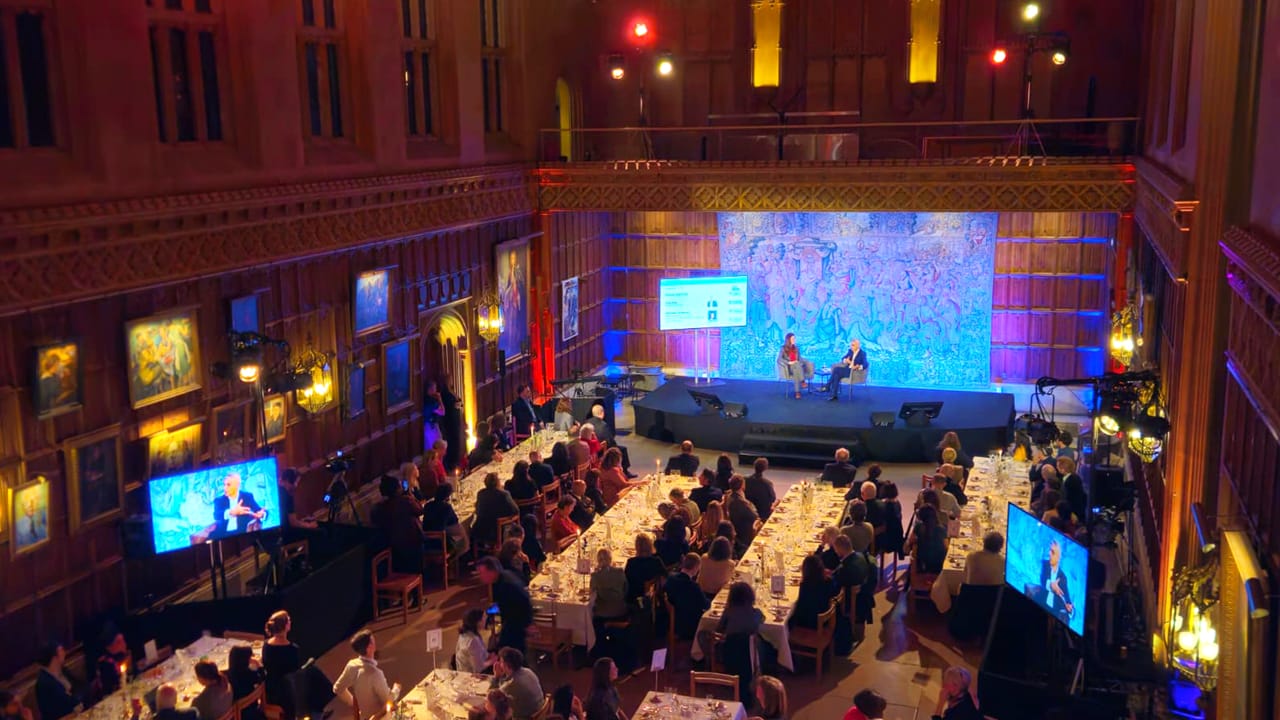
We love a rehearsal
There’s a great moment in rehearsal when the host stops thinking about the running order and starts enjoying the conversation. That’s why we make time for a proper run-through.
We’ll check every remote speaker, run through handovers and practice with your host taking questions from both the room and online.
By the time you go live, your speakers feel confident, know where to look, when to come in and most importantly who’s giving them the go!
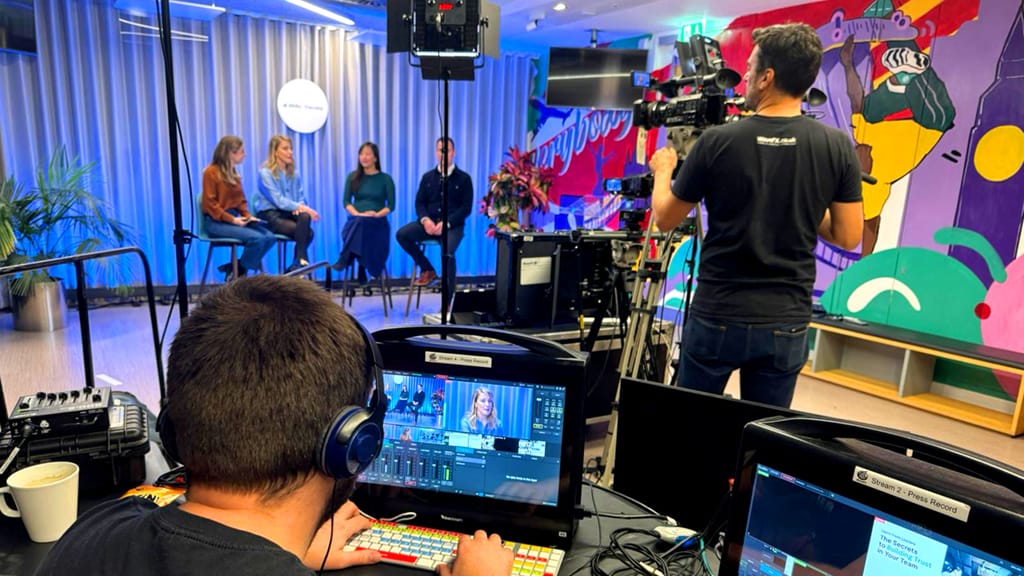
Always a Backup
We insist on a Plan B for every Town Hall we produce. We agree it with your team and test it before anyone goes live.
The internet connection is crucial for your Teams Town Hall, we’ll work with your IT team weeks before and if needed install extra kit, such as a 5G or satellite connection.
We’ll also have spare microphones and spare cables and another way to play the slides and videos. If a bit of kit gives up, the crew already knows how to keep the show moving.
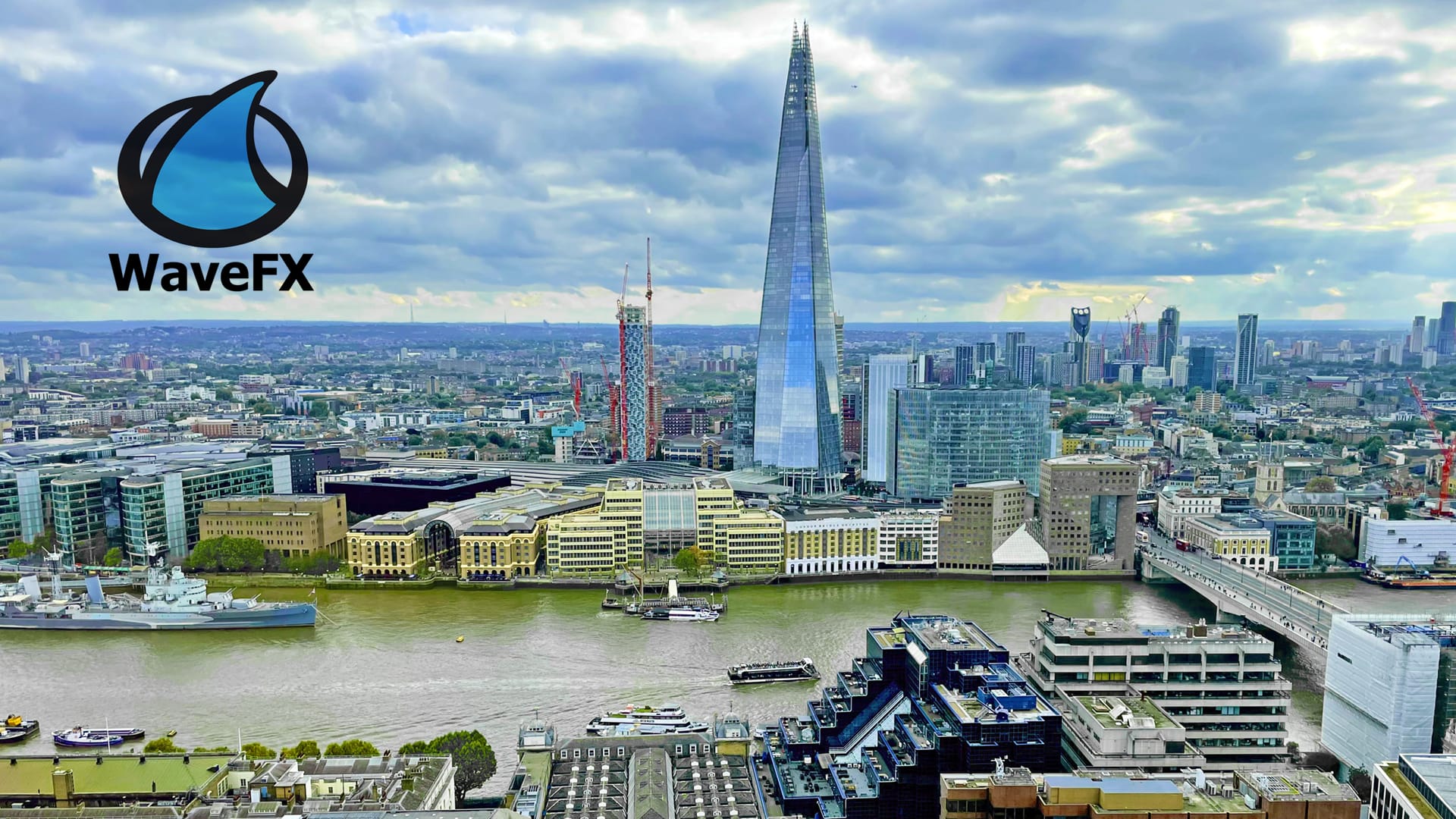
How We Produce Your Teams Town Hall
The chief exec’s in the room, the finance director’s joining from another office and most of the company is watching on a laptop. We bring those feeds together into one live programme, with a proactive crew who can change the running order when the conversation takes a turn.
The kit we bring
- 4K cameras and lighting. Our normal setup is 3 cameras, a wide shot of the room, a closer shot on the presenter or panel and an audience shot for questions and applause.
- Microphones and a sound desk. Audio is everything, we only use professional Sennheiser licensed microphones and mix the panel, remote guests and questions from the floor so everyone online and in the room has a great experience.
- vMix vision mixing. Our creative operator switches between cameras, PowerPoint, videos and remote guests. The pace and shots we use keep the audience watching, engaged and informed.
-
Set and stage design. We can turn a boardroom into a studio for a CEO address or build a stage for a live panel. We’ll dress it in your brand, light it for the cameras and position screens so the panel can see and speak to colleagues joining remotely.
Connecting into Microsoft Teams
Your organiser sets up the Town Hall and we agree production access with your IT team. We send the vision-mixed programme into Teams as one feed. We use the green room to check presenters, preview the broadcast from the audience side and work with your comms team to get questions from the moderated Q&A to the host. Microsoft’s Town Hall production guide.
Why WaveFX
When the whole company is watching, your production crew should be the calmest people in the room. Our motto has always been “Less Stress, More Applause” WaveFX has been producing live events since 1999, Teams Town Halls for leadership updates, company-wide all-hands and hybrid events. See our Microsoft Teams production work.
We work directly with your comms, AV and IT teams to shape the production around your event and budget. You’ll have a clear plan and a straightforward quote to share internally. We also have an event planner and cost calculator to give you a real-time estimate.
Recently the MND Association trusted WaveFX to take its international symposium online. We created a multi-camera studio at its headquarters and produced three days of live sessions with remote speakers and audience Q&A. More than 16,000 delegates from 57 countries joined online. Read the MND Association case study here.
Your next event starts with a quick chat
Talk us through your event plans or idea and we’ll help shape the right production for your audience, objectives and budget.
Our goal is always less stress and more applause.

Top 5 Microsoft Teams Town Hall Questions
We are a trusted London Teams town hall company streaming live & hybrid events.
Need help planning your next event, please do get in touch
Need help planning your next event, please do get in touch






Recent London Teams town hall projects
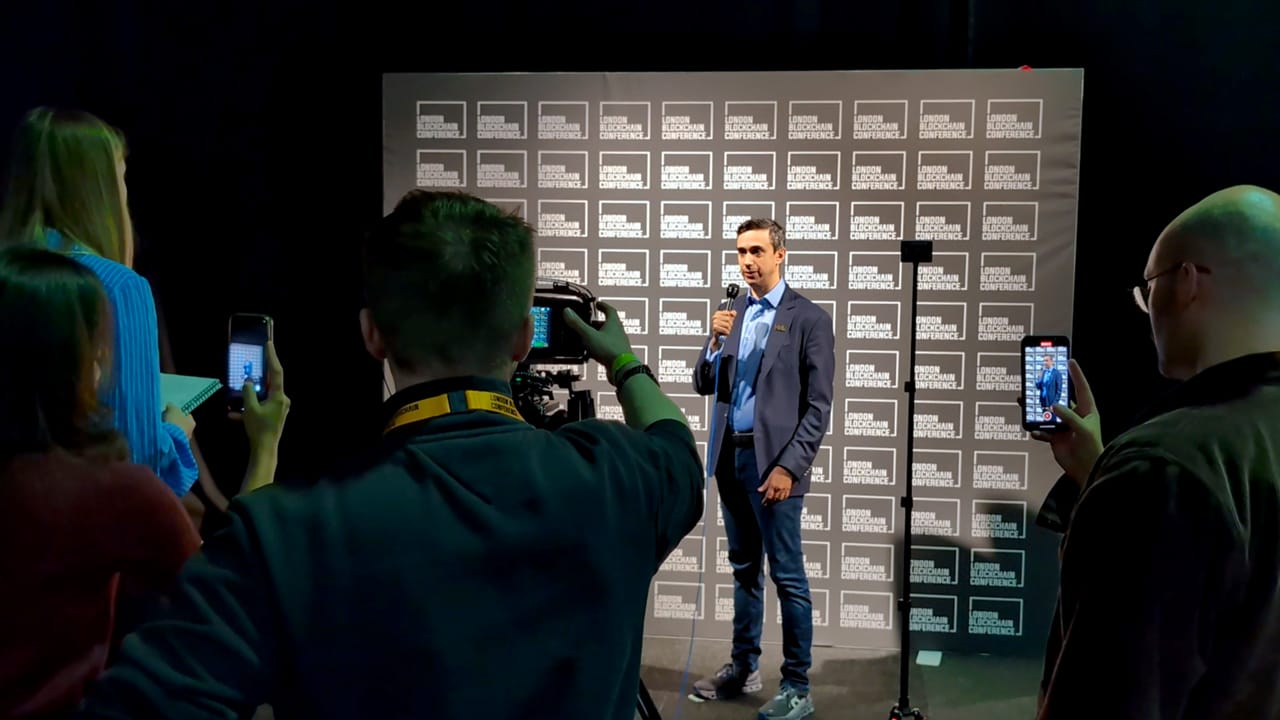
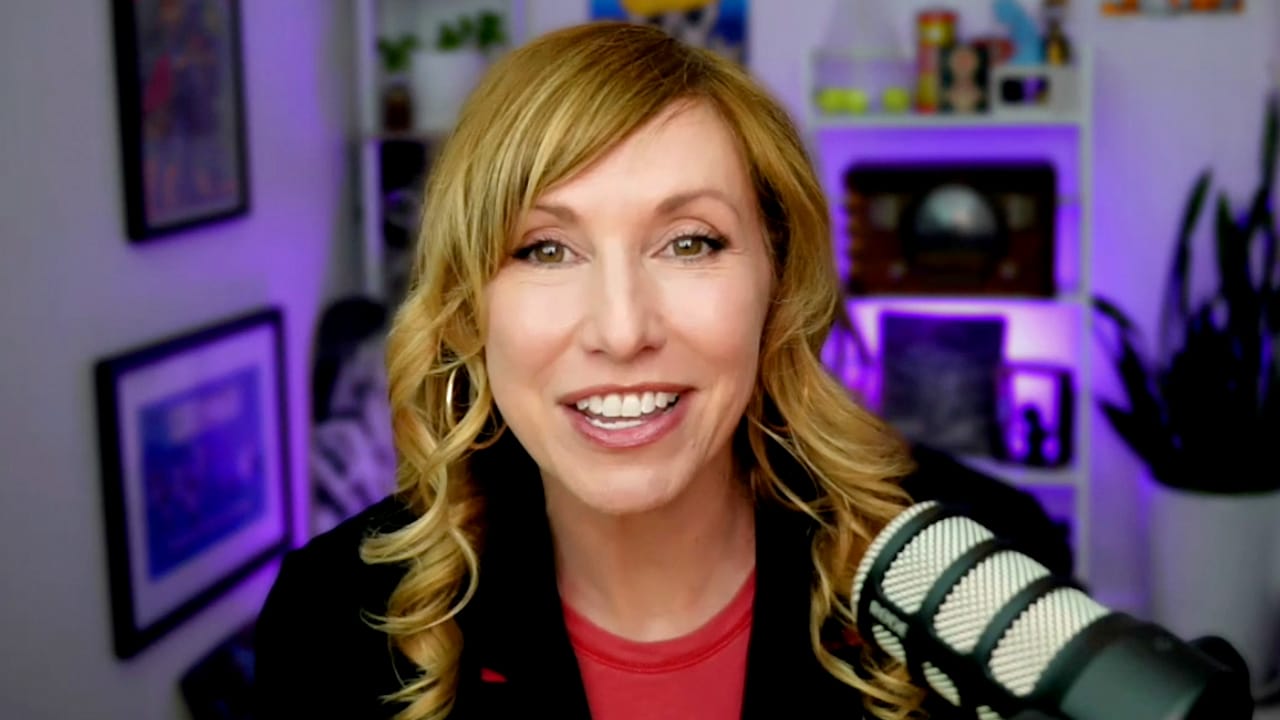
Kari Bryon STEM Webinars
Empowering the Next Generation: STEM Webinar Production [...]
Happy clients we’re proud to be working with