
Microsoft retired legacy Teams Live Events in June 2026 and brought Town Hall and webinars together in the updated Teams Events experience. If you’re planning your first Town Hall, there’s quite a bit to like. You can give speakers a green room, preview what’s about to go live and take questions from thousands of colleagues without handing them all a microphone. Here’s where those tools earn their keep. Microsoft’s guide to moving from Live Events to Town Hall.
The next speaker’s ready. Probably.
The Teams green room gives presenters somewhere to check their mics and run through the handover before the audience joins them. With Manage what attendees see set to preview, the producer can line up the next speaker and their slides before sending them live. Microsoft’s guide to hosting a Town Hall.
At WaveFX, we rehearse the join between speakers. Can the panel in London hear the person joining from Edinburgh? Does Edinburgh know who’s introducing them? And if they disappear halfway through the introduction, does the host have another question ready? Five minutes spent on that handover can save a very long ten seconds on air.
It sounded fine in the room
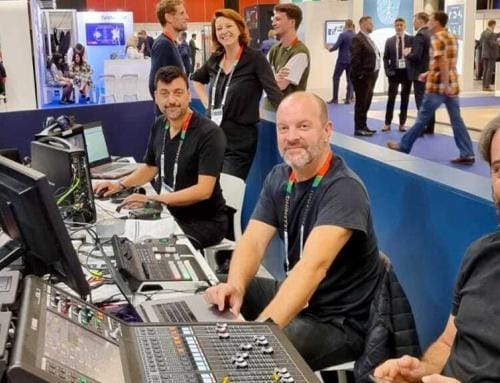
The people sitting next to the speakers can hear them. The people on Teams can only hear what we send them. That’s an important distinction when someone in the front row asks the best question of the afternoon without a mic.
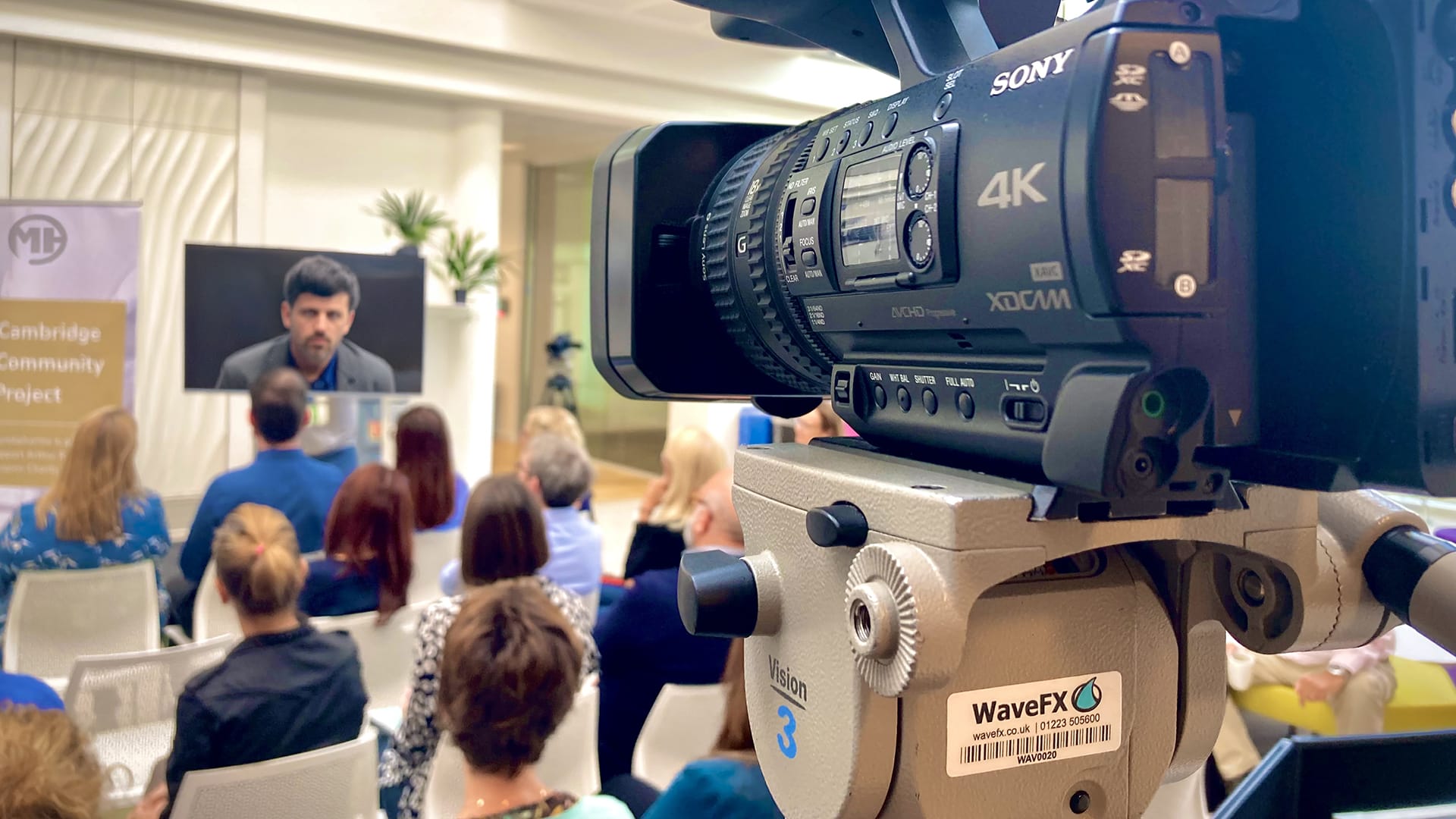
For a hybrid Town Hall, we mix sound for the room and the webcast, then check the broadcast from a viewer’s laptop. With “RTMP-in” enabled, we can send Teams one live programme made up of muliple-cameras, remote speakers, slides and films. See how RTMP-in works in Teams.
A thousand people have just clicked the same link
Teams Enterprise supports up to 10,000 attendees in a view-only event with Q&A, with capacity packs available for larger audiences. If hundreds of colleagues are watching from the same office, IT can use “Silent Testing” to simulate that demand ahead of time. At the venue we’ll double check the connection and have backups in place. For more information visit Microsoft’s support pages on “Teams event capacity” and “Silent Testing”
Internet issues are rare but our 5G backup earned its seat on one of our corporate webcasts. The venue connection started playing up during a 90-minute programme watched by 842 people online. We switched connections and the programme carried on. From the clients perspective and unseen, uneventful part of a success live event. Read the WaveFX webcast case study.
.
A good question comes in with two minutes left
We love a good question from the audience. It’s often the moment the conversation gets interesting. So we leave a bit of room for it in the running order.
Before you go live, we’ll agree with your comms team who’s keeping an eye on the Teams Q&A and how they’ll get questions to the host. Colleagues can vote up the ones they’d most like answered, and if you run out of time, you can use the Q&A report to follow up afterwards. Microsoft’s guide to live Q&A.
We’re big fans of audience interaction which leads to greater retention, get the audience involved early, try a quick poll, word cloud or vote at the start of a panel, show everyone the result and ask the speakers their thoughts. It gives colleagues watching virtually a say and might take the conversation somewhere you hadn’t planned. Great when that happens.
Putting together a Microsoft Teams Town Hall Production in London?
Give Jamie a call or send an email, we’d be happy to schedule a Teams or Zoom meeting.
jamie@wavefx.co.uk · London 020 8938 3105 · Cambridge 01223 505600 · WaveFX contact form





Leave A Comment