

An animation company for the “How do we show that?” moments.
We create 2D animation, 3D visuals and animated explainers that help people understand your business.
3D Animation
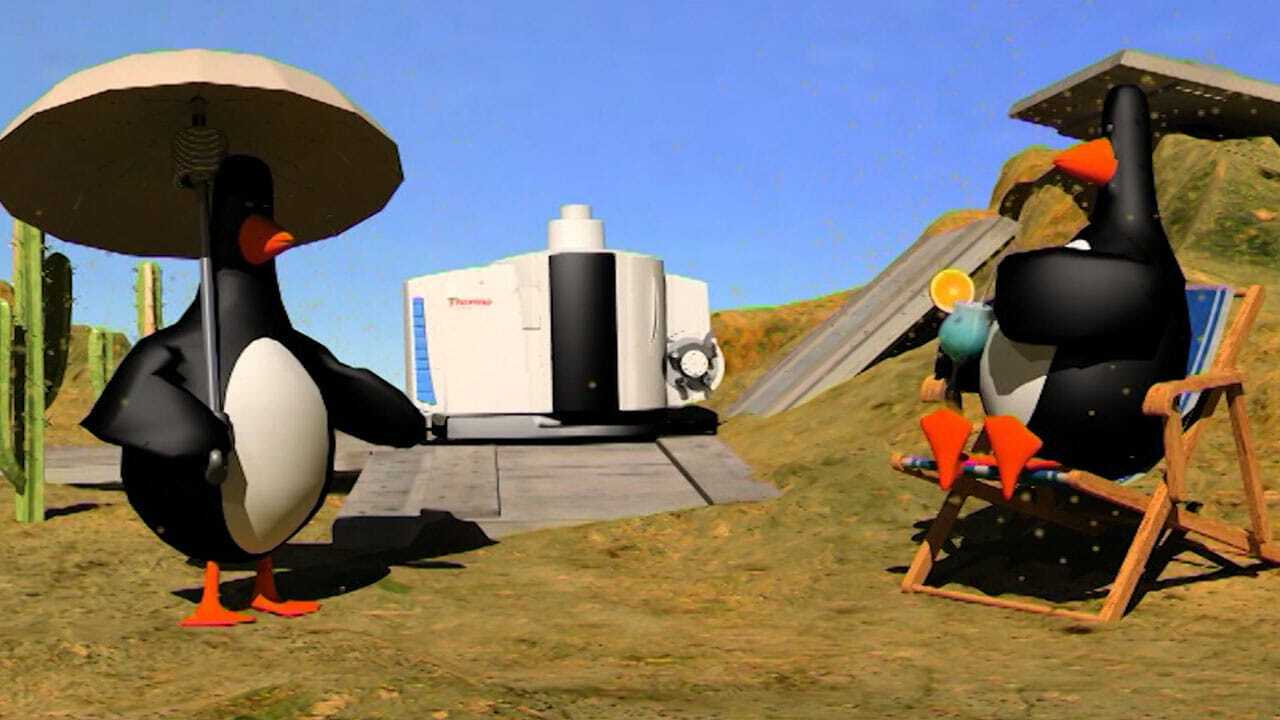
Animation helps clarify and focus difficult concepts in a simple, easy to understand way. A great 40 second animation will transform pages of dull, lifeless text into a vibrant attention grabbing video
Anything is possible: Environments, ideas and concepts that would either be too expensive or even impossible to film in real life can be modelled in high detail by our award winning animation team
Visualisation
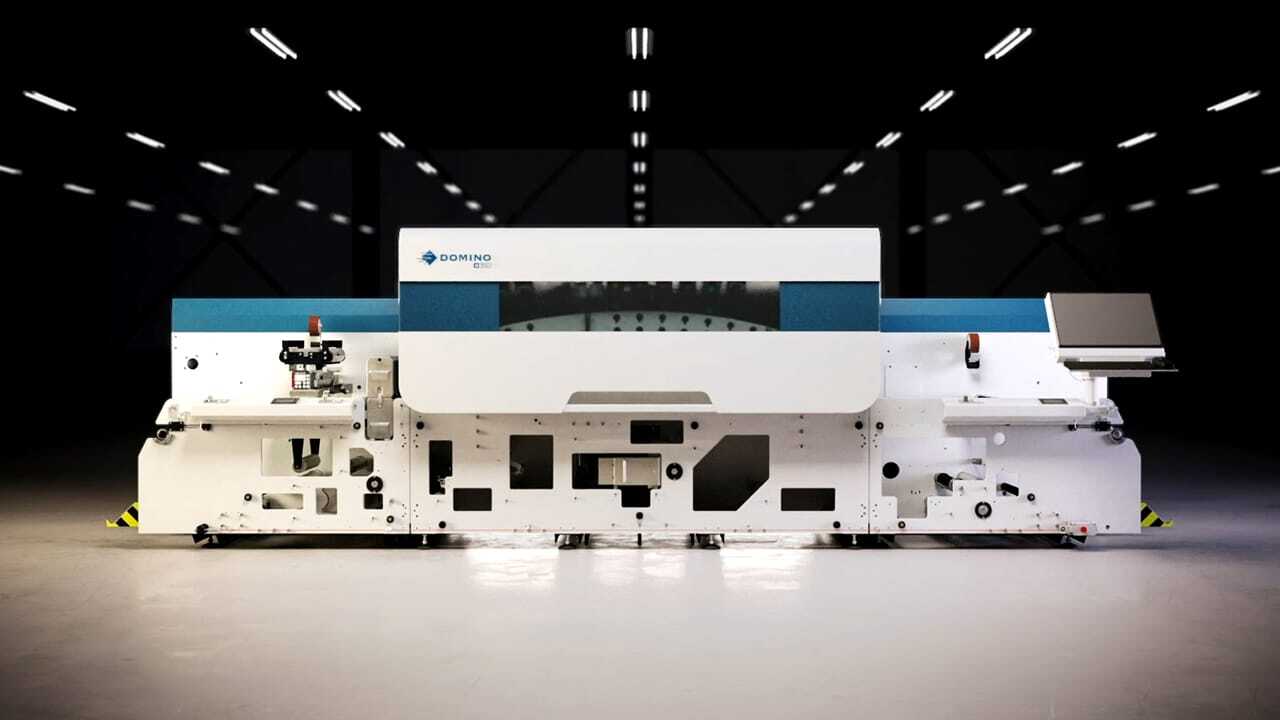
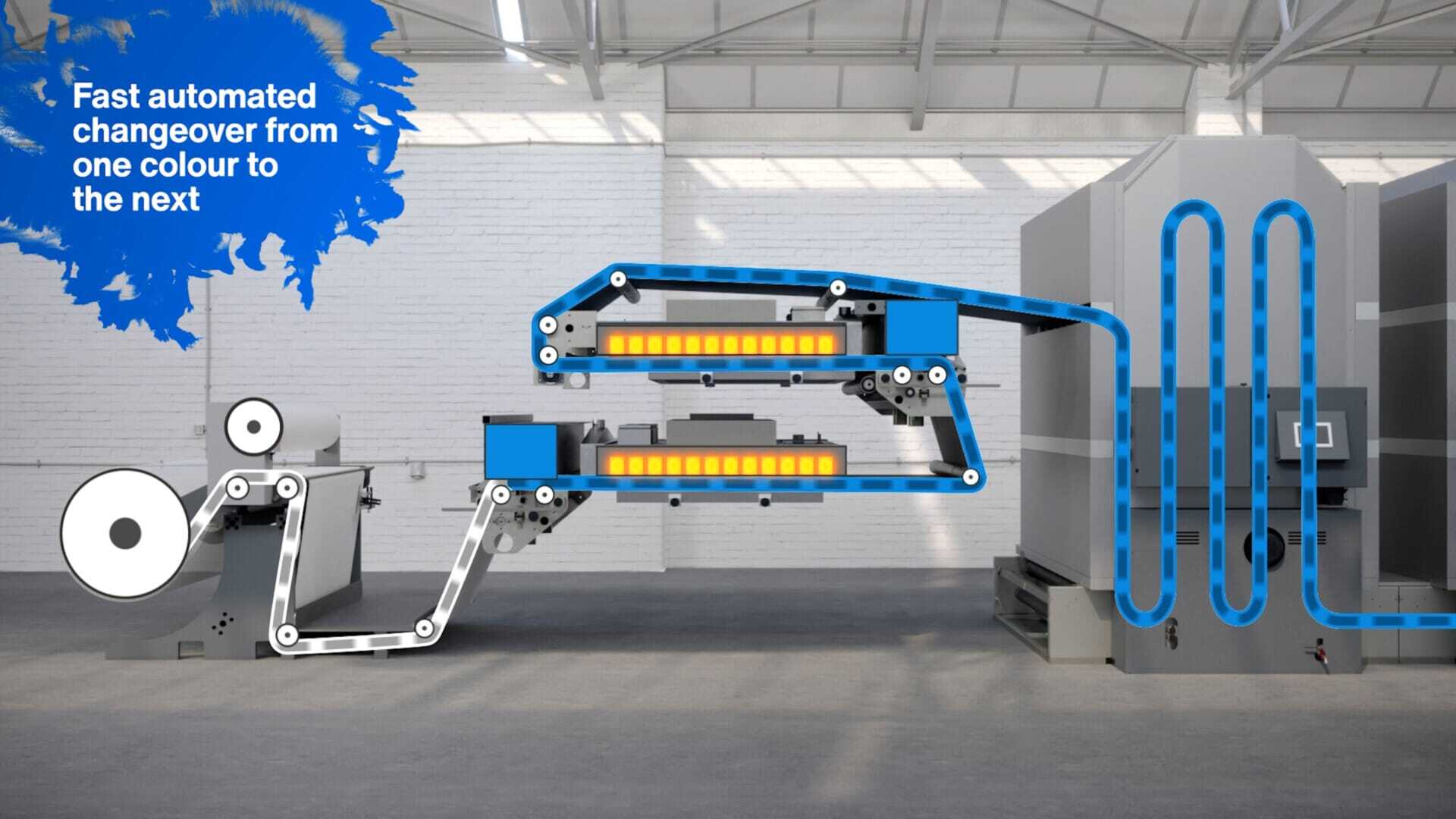
Transform complicated ideas into clear solutions with 3d visualisation
Our cameras can explore, dissect and flyover places conventional cameras simply can’t go.
From a simple sketch on a scrap of paper to AutoCAD and Solid Works we create visuals that will clearly demonstrate your ideas and concepts
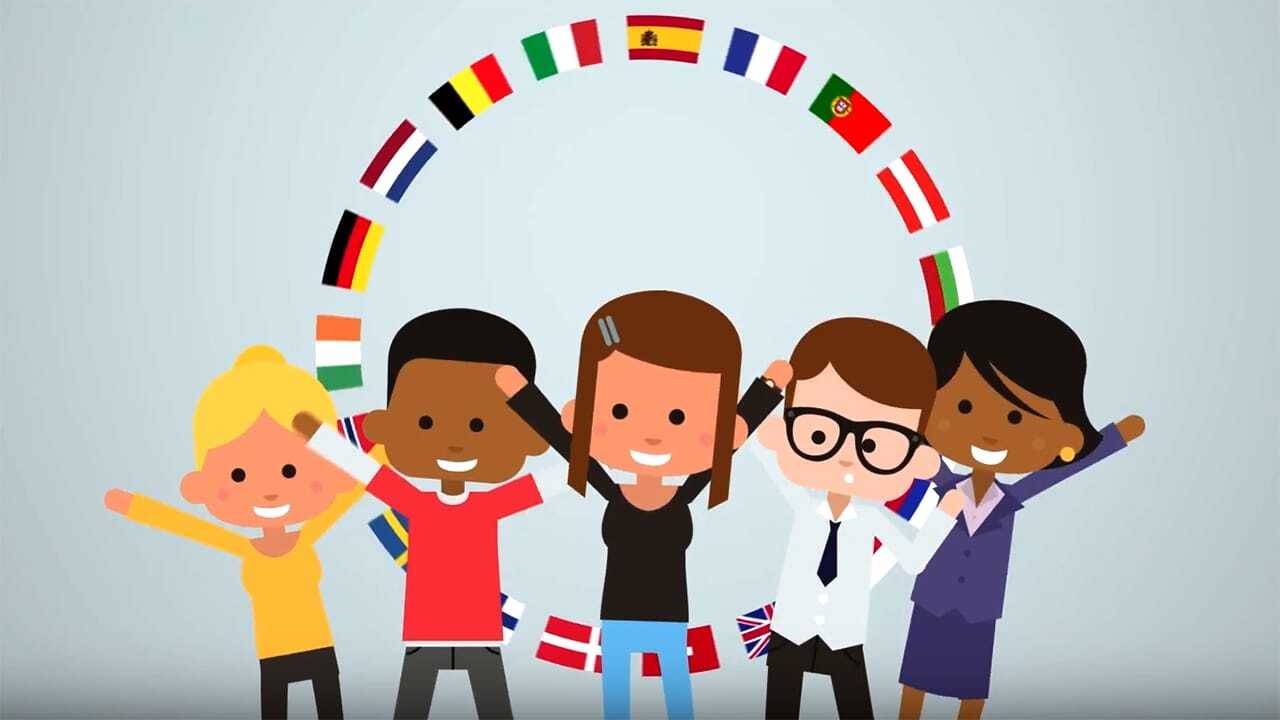
Motion Graphics
Motion graphics are a great way to bring an added dimension to your film production; our clever visual effects team can create characters and animated typography to help promote and explain your services
Set your screen free, most office, retail and exhibition screens end up displaying a dull looping PowerPoint presentation, motion graphics can be used to greatly enhance any presentation
Do you have something that’s tricky to explain? We’ll help you show it.
Our animation company creates everything from short explainers to detailed 3D models, helping people see how your product works or picture an idea before it exists.
- 2D videos that explain your services
- 3D animations showing products in action
- Walkthroughs of buildings and spaces
- Animated characters with personality
- Moving text and graphics for your films
We start with what you want people to understand. Then we work out how to show it, using sketches and storyboards so you can see the idea taking shape.
You don’t need to know about animation – that’s our bit.
- Get the main message clear
- Choose a style that suits your business
- Write the script and sketch the scenes
- Check the details with your team
- Agree the budget and key dates
Tell us where your animation will appear and we’ll prepare the versions you need.
Your website, a sales meeting or an exhibition screen might each need something different. We’ll explain which file goes where and help you get ready to share.
- Full animations for websites and presentations
- Short clips for LinkedIn, Instagram and YouTube
- Loops for exhibition screens
- Versions with captions or voiceovers
- Still images from your 3D models
Read what our clients are saying about us in our testimonial section.
Your next animation starts with a quick chat
Talk us through your animation brief or idea and we’ll help shape the right outcome for your audience, objectives and budget.
Our goal is always less stress and more applause.
Happy clients we’re proud to be working with





Top 7 most asked Animation Questions
Yes, although each setting may need its own version. Planning those uses at the beginning helps us build an animation that can work beyond its first appearance.
Someone watching an explainer on your website has chosen to spend time with the subject. A person walking past an exhibition screen might only catch a few seconds. A social viewer may encounter the video without any background information.
We can plan for those different situations:
- Website explainers: a complete introduction with enough context to understand your product or service.
- Social clips: shorter sequences that concentrate on one point.
- Exhibition loops: animations that make sense without needing to watch from the beginning.
- Sales presentations: sections your team can pause, discuss or return to during a conversation.
Framing matters too. A wide animation may need adjustments for a vertical social feed, particularly if it contains labels, diagrams or several objects.
Simply cropping the finished film can remove useful information. Planning alternative layouts early gives us more control over what people see.
Should animation on our website have audio?
Sound is another consideration. An exhibition animation may need to communicate through movement and text, while a website version could include a voiceover. Captions can help viewers follow the explanation where audio isn’t practical.
We’ll agree the required versions, lengths and formats as part of the brief. Additional edits and layouts involve work, so it’s useful to include them in the budget from the start.
Suitable 3D models may also provide still images for presentations, product pages or displays. We can discuss those alongside the animation.
If you expect the product or information to change, mention that too. It helps us consider how future updates could be handled.
Tell us where your animation will appear and how your team intends to use it. We’ll help prepare the right versions and explain which file belongs where when it’s time to share.
AI can help with parts of an animation project, but whether it’s suitable depends on what the finished piece needs to do. Generating an interesting image is different from producing a sequence with consistent characters, accurate products and precise movements.
For some projects, AI tools can help explore ideas or develop supporting imagery. For others, the need for control makes conventional illustration, modelling and animation a better fit.
And that’s where a professional animation company comes into the mix, we look at the brief before choosing the tools:
- Technical accuracy: does the product or process need to behave exactly as it does in reality?
- Consistency: must the same character, object or setting remain recognisable throughout?
- Brand requirements: are there specific colours, typefaces, layouts or design rules to follow?
- Revisions: will your team need precise changes to individual details later?
A generated sequence might suggest a promising visual direction but still need considerable work before it belongs in a finished film.
For product demonstrations, technical explainers and medical subjects, small visual errors can change the meaning. Those details need checking by the right people, whichever production method is used.
What’s the role of a professional animation company?
Our role as a professional animation company includes developing the explanation, planning the scenes, choosing the visual approach and managing the production. It also includes listening to feedback and making the finished piece work as a whole.
AI may complement that process. We’ll discuss where it could be useful and where it could introduce limitations.
You don’t need to decide whether your project should be “AI” before approaching us. Start with what you want to show, the audience and the budget.
We can then talk through the options in plain English. Sometimes the answer will be 2D animation, sometimes a detailed 3D model, and sometimes a combination of filmed footage, animation and selected AI-generated material.
The important thing is choosing an approach you can trust to communicate the subject clearly.
Yes animation with real filmed footage can be a useful way to connect an explanation to something people recognise. Viewers can see the real product, person or environment, then follow the animation into the detail a camera cannot capture.
For example, we might film an operator using a machine before switching to a 3D view of the mechanism inside. Animated labels could identify the components and explain each stage of the process.
There are several ways to combine them:
- Graphics over footage: add titles, diagrams, measurements or labels.
- Transitions into 3D: move from a filmed product to a model showing its internal workings.
- Animated sections between interviews: illustrate what a contributor is describing.
- Visualisations within filmed environments: show how a proposed change could look in context.
The most effective approach is usually planned before filming. Camera position, lighting, movement and framing can all affect how well the animation fits with the footage.
If we know a label needs to sit beside a product, for instance, we can leave room for it in the shot. If we’re planning a transition into a model, we can consider the angle and movement from the beginning.
Existing footage may also be suitable. We’ll review it first and discuss what can be achieved with the material available.
The benefit of animation with real filmed footage
Technical and scientific subjects often benefit from this combination. Real footage establishes the setting, while animation helps explain a small component, an invisible process or something happening beneath the surface.
We’ll work with your specialists to check the explanation and identify where a simplified illustration needs context.
WaveFX brings filming and animation together, so we can discuss both parts of the production in the same brief.
The result should feel like a coherent film. We choose where animation adds understanding, plan the transitions and keep the visual style consistent with your message and brand.
Yes. Existing CAD files, technical drawings, photographs and prototypes can all help us understand your product and plan a 3D animation.
You don’t need to have everything ready before getting in touch. Tell us what materials are available and what you want the viewer to see. We can then identify a sensible starting point.
CAD files may contain useful geometry, but they often need preparation for animation. Engineering models can include internal components, fine detail or assemblies that aren’t needed in the finished film.
We’ll review the files and discuss:
- What needs showing: the whole product, a particular component or a process happening inside.
- What must be accurate: dimensions, materials, movement and relationships between parts.
- What can be simplified: detail that adds production work without helping the explanation.
- Who approves the result: the people in your team best placed to check technical accuracy.
If you only have drawings or photographs, we can discuss building a model from those references. Clear views, measurements and information about materials help us avoid guesswork.
A prototype can also be useful, particularly when we need to understand how something moves or how a person interacts with it.
For an early-stage product, we’ll agree which parts are confirmed and which are still developing. That helps everyone understand what the animation represents.
The finished sequence might show an exploded view, follow a moving component or remove an outer casing to reveal the mechanism beneath it.
We can also add labels, arrows or colour highlights to guide attention. The aim is to help people understand the important detail without making them interpret a complex engineering drawing.
What CAD files do you prefer?
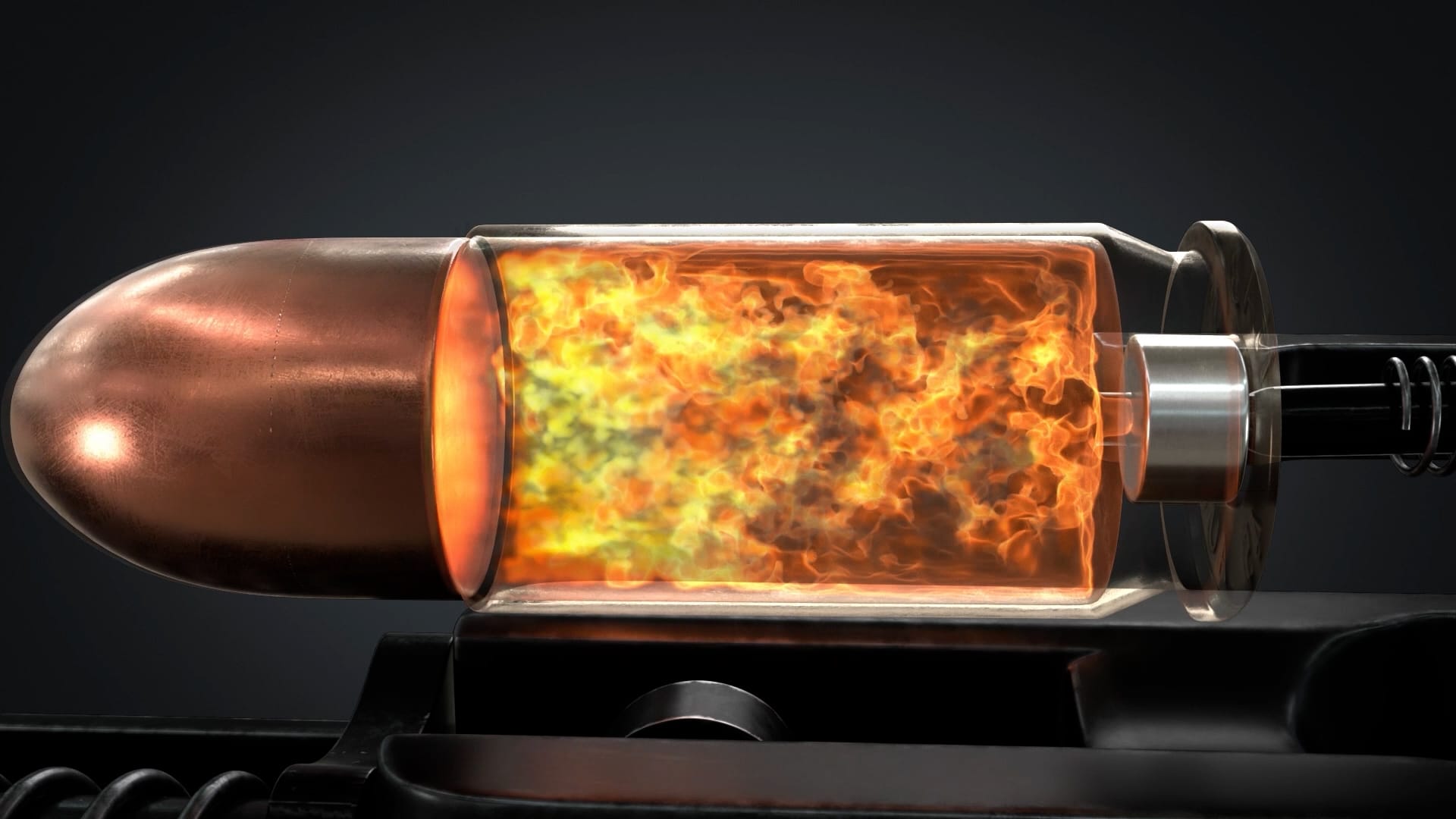
We use Autodesk 3ds Max to build detailed 3D models, animate moving parts and create realistic lighting and materials. It helps us show your product from every angle, take viewers inside a machine or explore a space before it’s built. Starting with your drawings, reference images or suitable CAD files, we develop the visuals around what you need to explain. You bring the knowledge of your product; our animation team works out how to show it clearly.
Send us a description of your project and we’ll talk through the reference files, modelling and animation needed to create your video.
An animation project includes more than making things move. We need to understand the subject, agree the story, develop the look and give your team opportunities to check the work.
The overall schedule depends on the number of scenes, the animation style, the detail involved and the approval process. Creating a new character or a realistic environment takes different preparation from animating existing brand graphics.
We’ll work backwards from your deadline and agree the stages together:
- Brief and script: decide what the animation needs to explain and what viewers should take away.
- Design and storyboard: show how the animation will look and what happens in each scene.
- Animation and sound: build the movement, timing, voiceover and supporting audio.
- Review and delivery: make agreed changes and prepare the finished versions.
Some projects also benefit from a rough timed sequence before full animation begins. This can help everyone judge the pace and see whether the explanation has enough room to breathe.
Approvals are an important part of the schedule. If technical specialists, marketing colleagues and senior managers all need to review the work, it helps to involve them at the appropriate stages.
A change to a label may be straightforward. A new product design or a different storyline can affect several scenes, particularly once animation is underway.
That’s why we encourage careful checking of the script, storyboard and technical details before those stages are approved.
If you have an exhibition, launch or presentation approaching, mention it immediately. We can assess what’s realistic and discuss the options before you commit.
You can help keep things moving by supplying reference materials early and nominating someone to coordinate feedback.
Time to make an animation?
There isn’t one honest timescale that fits every animation. We’ll give you a schedule based on your project, explain the dependencies and make sure you know when we need decisions from your team.
Choose the style around what you need to show. You don’t need to know the technical differences before speaking to us, but understanding the options can make the first conversation easier.
2D animation uses illustrations, shapes and characters in a flat visual space. It can suit a friendly explainer, a training film or a story about your services. The design can be simple, detailed, playful or restrained.
3D animation uses models with depth. It lets us move around a product, look inside it or explore an environment from different angles.
Motion graphics usually concentrate on moving text, diagrams, icons and other graphic elements. They can be particularly useful for explaining information clearly.
Typical starting points include:
- A service or customer journey: consider 2D animation or motion graphics.
- A machine or physical product: consider 3D animation.
- Research findings or a process: consider animated diagrams and supporting text.
- A proposed building or space: consider 3D visualisation and walkthroughs.
These categories overlap, and one film can use several approaches. A product animation might combine a realistic 3D model with 2D labels explaining the important features.
The choice also depends on your brand, budget and the assets available. If your business already has a recognisable illustration style, developing that into animation could make sense.
For a product that customers need to inspect closely, accurate proportions, materials and movement may be more important than a character-led story.
We’ll also consider where people will watch. An exhibition loop needs to work differently from an explainer with a voiceover or a short social clip.
Bring us the subject and a few examples of work you like. Our job as your animation company is to help you choose an approach that makes the message clear and feels right for your business.
If you’re weighing up 2D animation or 3D animation, we can show you examples and talk through what each would bring to your project. A software service might be easier to explain with simple 2D graphics, while a physical product could benefit from a 3D view showing how its parts fit together. We’ll help you choose a style that suits your message, your brand and the budget you have in mind.
Animation costs depend on what we’re creating, how much detail it needs and how the finished piece will be used. A short animation built around moving text is a different job from showing the inner workings of a machine in realistic 3D.
Length matters, but it’s only part of the picture. Ten seconds involving detailed characters, complex movements and several environments can take more work than a longer, simpler explainer.
The main things that affect an animation quote are:
- Creative development: researching the subject, writing the script and planning the scenes.
- Design and modelling: creating illustrations, characters, products or environments.
- Movement and detail: deciding what needs to move and how realistically it should behave.
- Sound and finishing: voiceover, music, sound effects, captions and final versions.
We start with what your audience needs to understand. From there, we can suggest a suitable style and explain where the production time will go.
There are useful ways to manage the budget. Existing CAD files may provide a starting point for product animation. Keeping the story focused can reduce unnecessary scenes. Planning several related animations together can also let us reuse suitable models and design elements.
That doesn’t mean every existing asset is ready to animate. We’ll need to review what you have before confirming how much preparation it needs.
How much does an animation company charge?
An animation company charge on how much modelling and rendering is needed and how the finished piece will be used. Tell us your budget early, even if it’s an approximate figure. It helps us propose something achievable and concentrate the effort on the parts that matter most.
When comparing animation companies, check what their quotes include. Look at scripting, design, review stages, voiceover, delivery formats and any additional versions.
It’s also worth asking what would happen if the brief changes after approval. Reworking a storyboard is usually easier than rebuilding an already animated sequence.
We’ll discuss the scope before production begins, so you understand what you’re commissioning and can make informed choices about the budget.